Make it yours
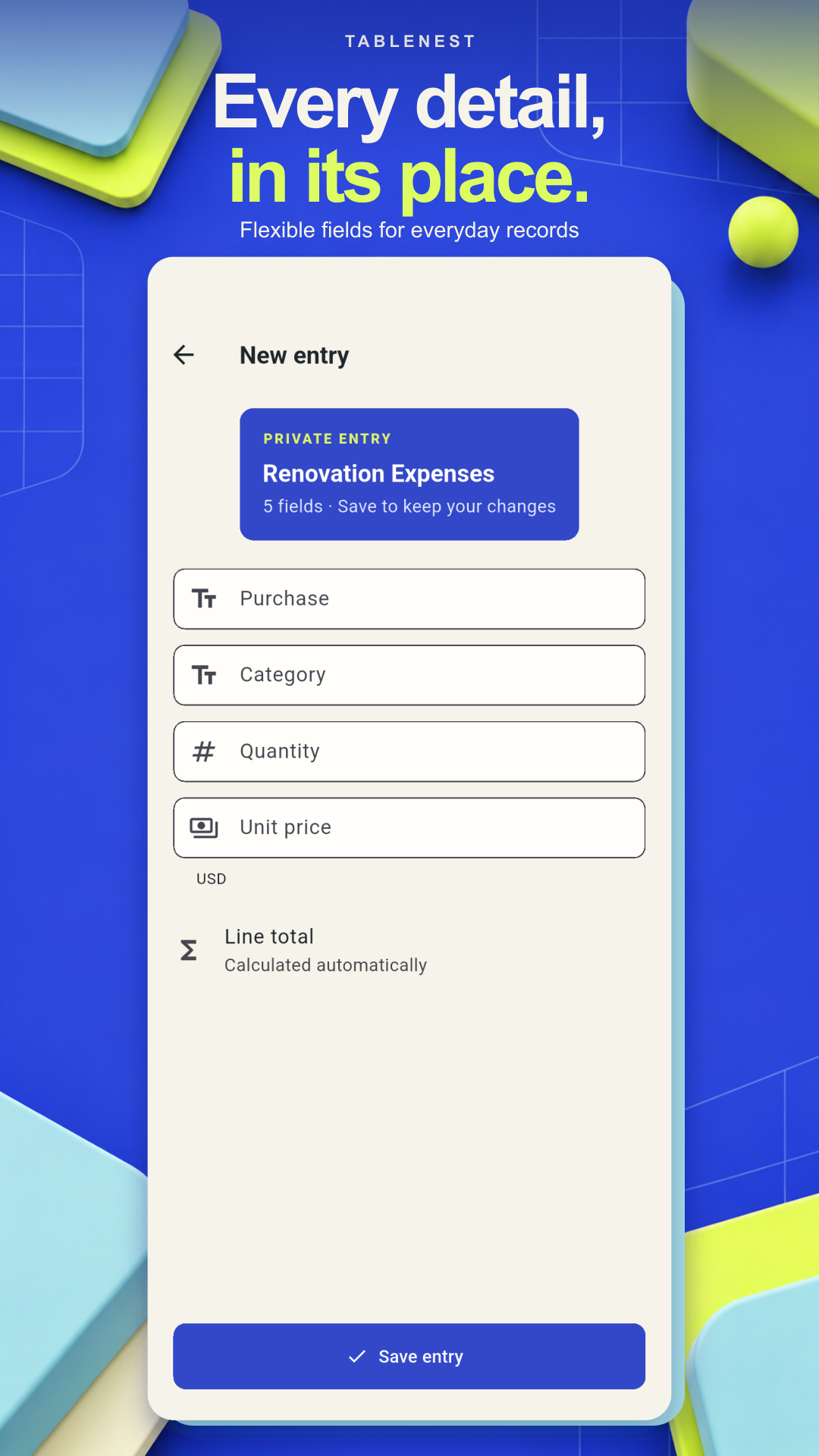
Choose columns for text, numbers, money, dates, checkboxes, choices and photos. Rearrange or hide columns as your list grows. Switch between a table overview and cards for individual records.
TableNest · Table Maker & Lists
Organize inventory, budgets and lists with flexible tables and offline templates.
Your everyday table maker
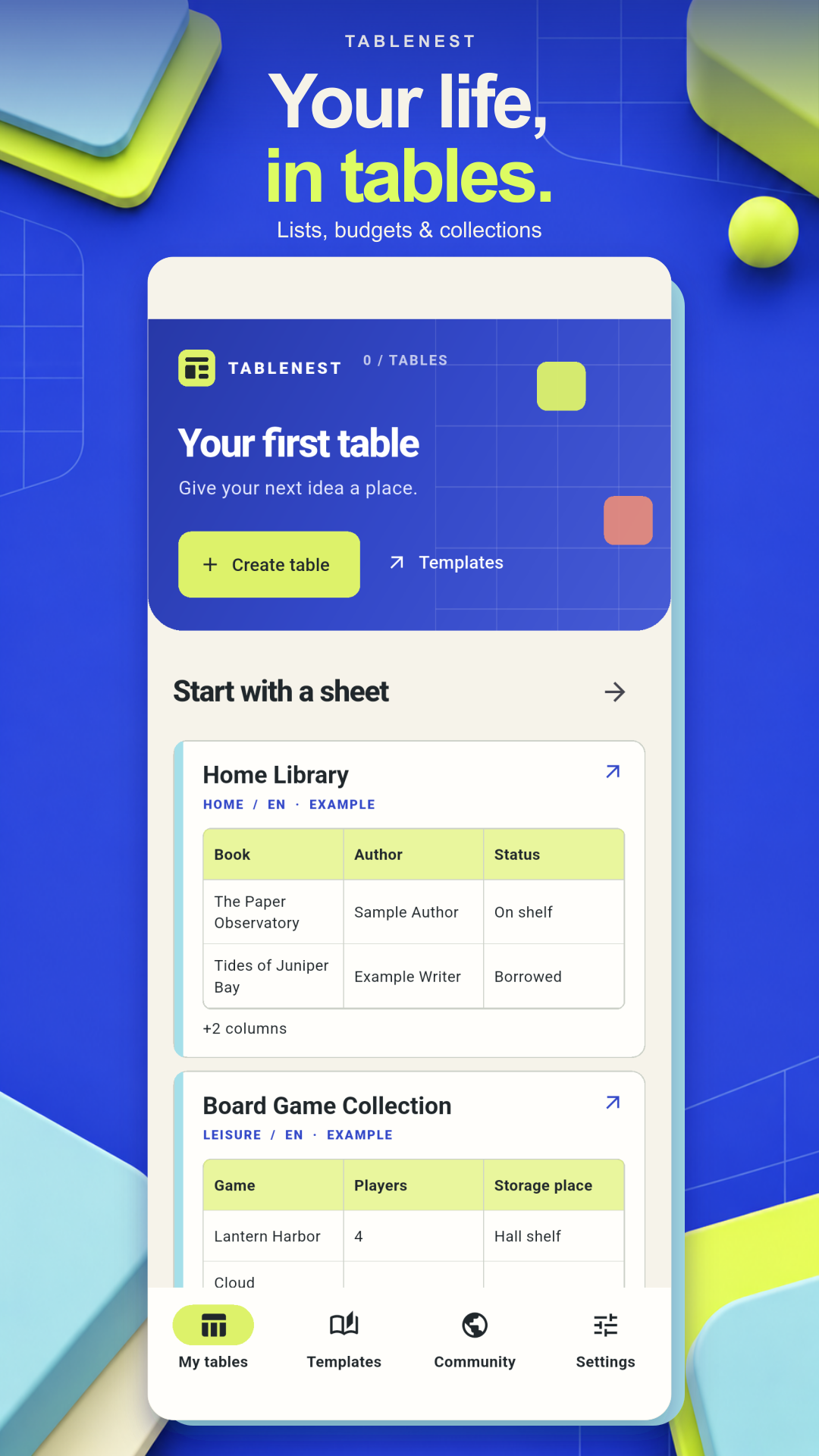
TableNest is a table maker for everyday lists, inventory and expense tracking. Build a table around what you need to record, or start with a built-in template. Create and edit your local tables offline without an account.
Make space for the details
Choose columns for text, numbers, money, dates, checkboxes, choices and photos. Rearrange or hide columns as your list grows. Switch between a table overview and cards for individual records.
Record inventory items, quantities and storage locations. Track expenses, keep a book or game collection, or prepare a packing list. Change your columns and entries whenever your needs change.
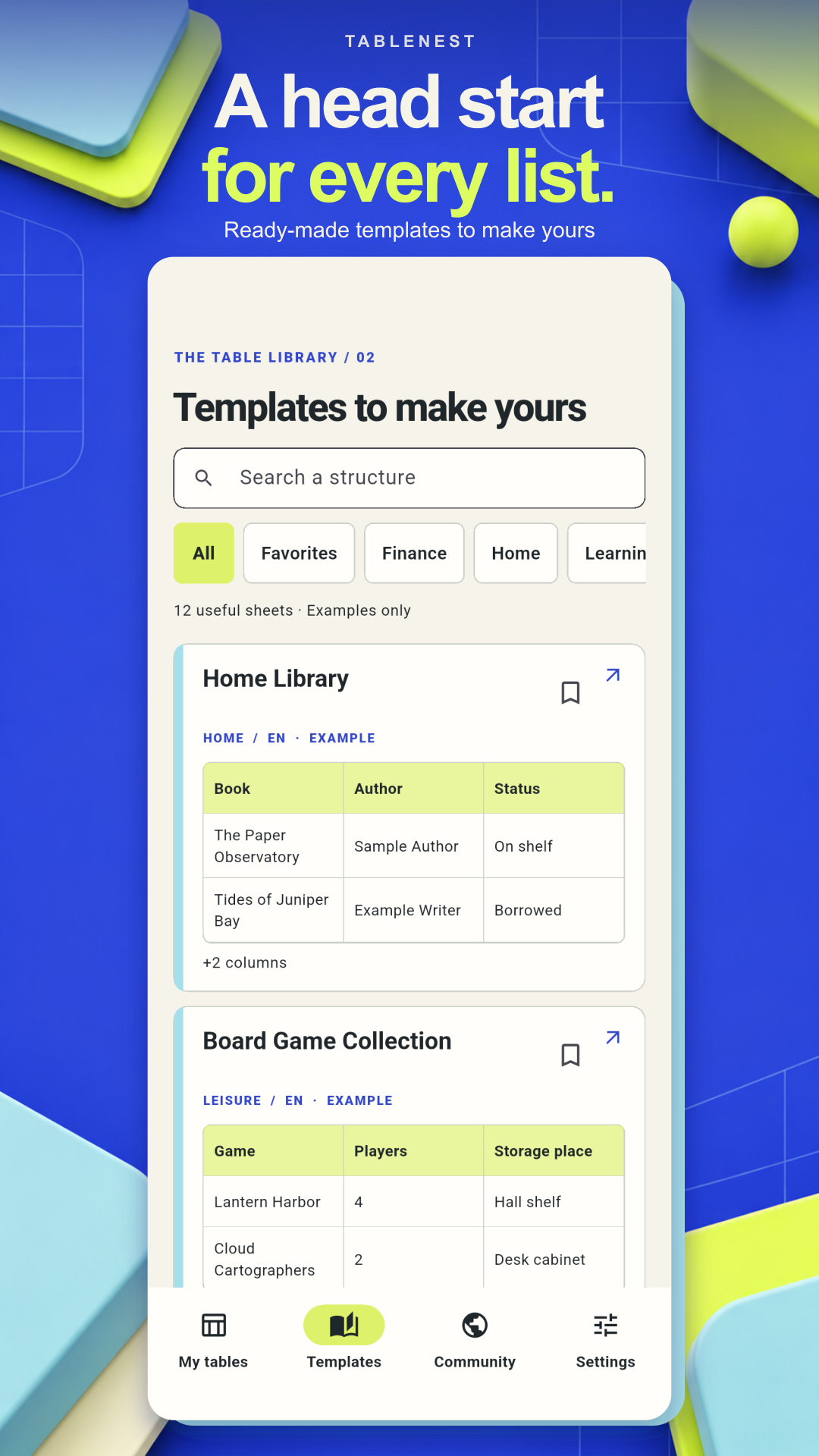
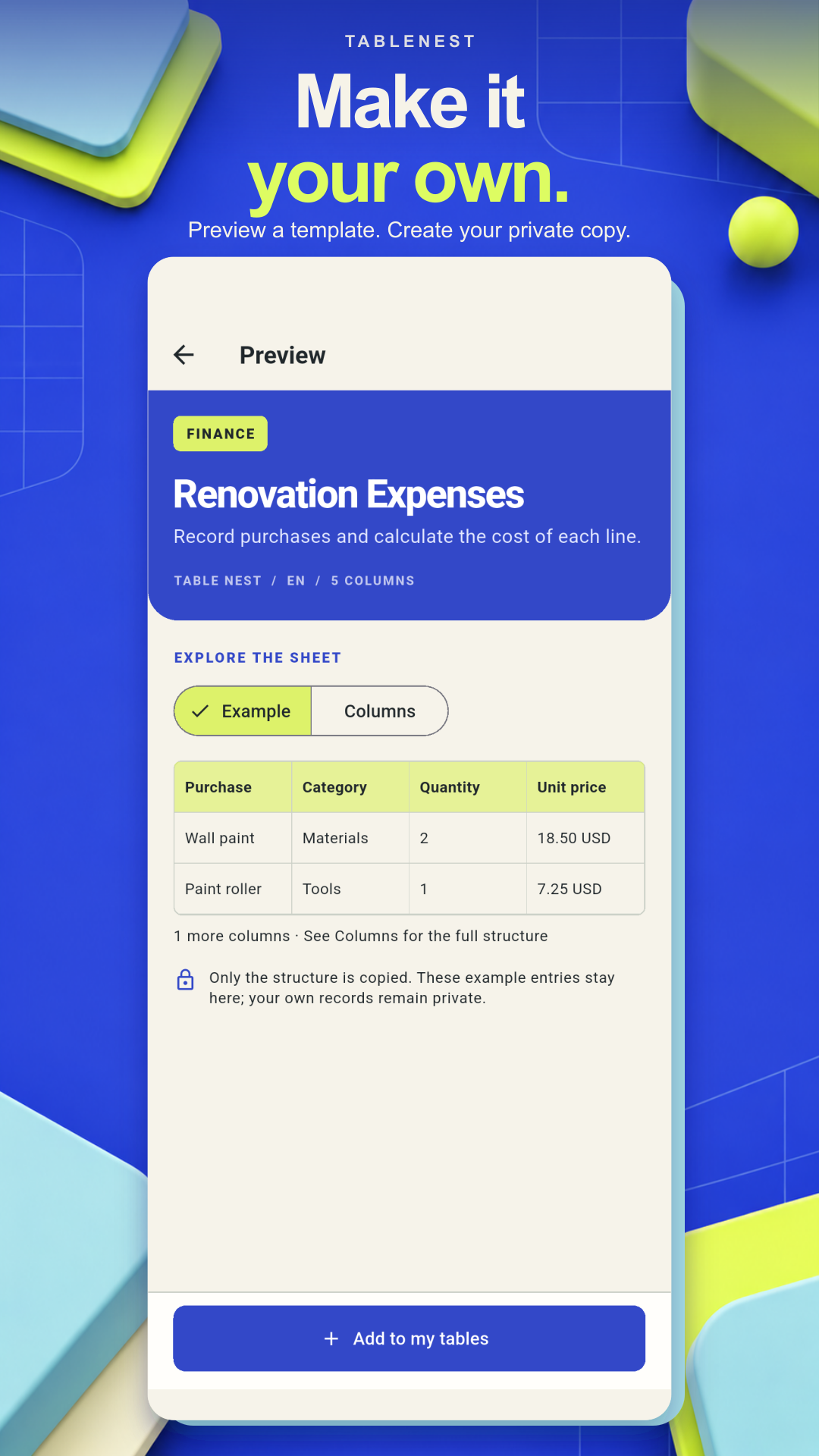
Browse built-in templates offline and preview their structure before making a copy. Start with a home library, moving boxes, renovation expenses or trip packing list, then adapt it.
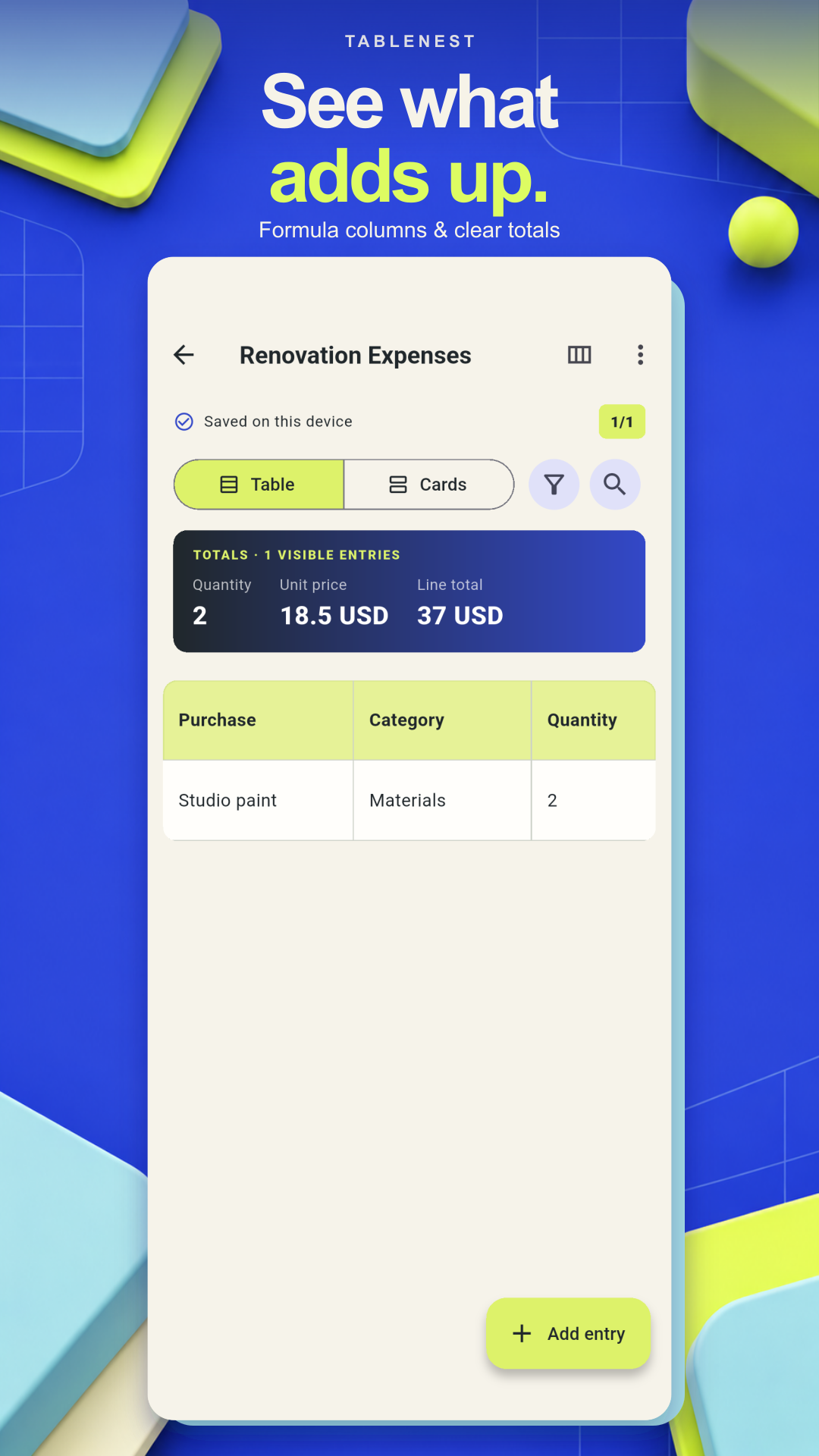
Search entries, sort rows and apply filters. Save named views for recurring tasks, pin useful tables, duplicate an entry or preview a bulk change before applying it.
Add formula columns and review totals. Multiply quantity by unit price for a line total, or use money fields to see how everyday costs add up.
Local tables work offline. Review change history, import and export CSV, or save and restore a full local archive, including photos. Keep a backup somewhere safe before changing devices.
TableNest uses an English interface. The local features described here work without registration or a connection. Your local tables are not automatically synchronized online.
Use a full archive when you need to move your local photos and table data together; CSV is for table entries.
Start from a blank table or make a template your own. Keep the details ready when you need them.